A smartphone with at least SDK 24 (Android version 7.0 : Nougat) is recommended
This application allows you to manage batch downloads, launching them one after the other.
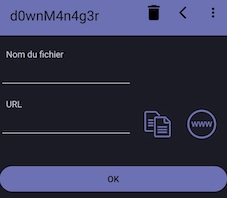
If you have an http(s) link of a file to download already in the clipboard,
when pressing the + button, the link will be automatically copied to the following screen:
The name of the file will also be detected (Depending on the site), you can modify it if it does not suit you.
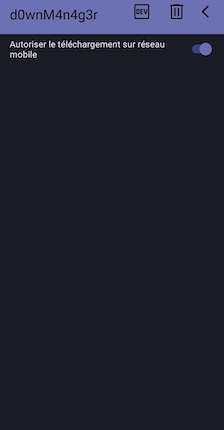
In the settings you can specify, whether you allow downloading from the mobile network:
In this case, the download will be paused, you will then have to play when you are on WIFI:
The Stop button stops downloads and resets the download list
This can be useful if the download list is blocked to be able to resume all downloads in pressing Play on them.